Training

Learn the AImpact OS in minutes

Start with the welcome tour, then pick the feature you want to learn. Each video is about a minute, filmed on the real OS. Sound on.

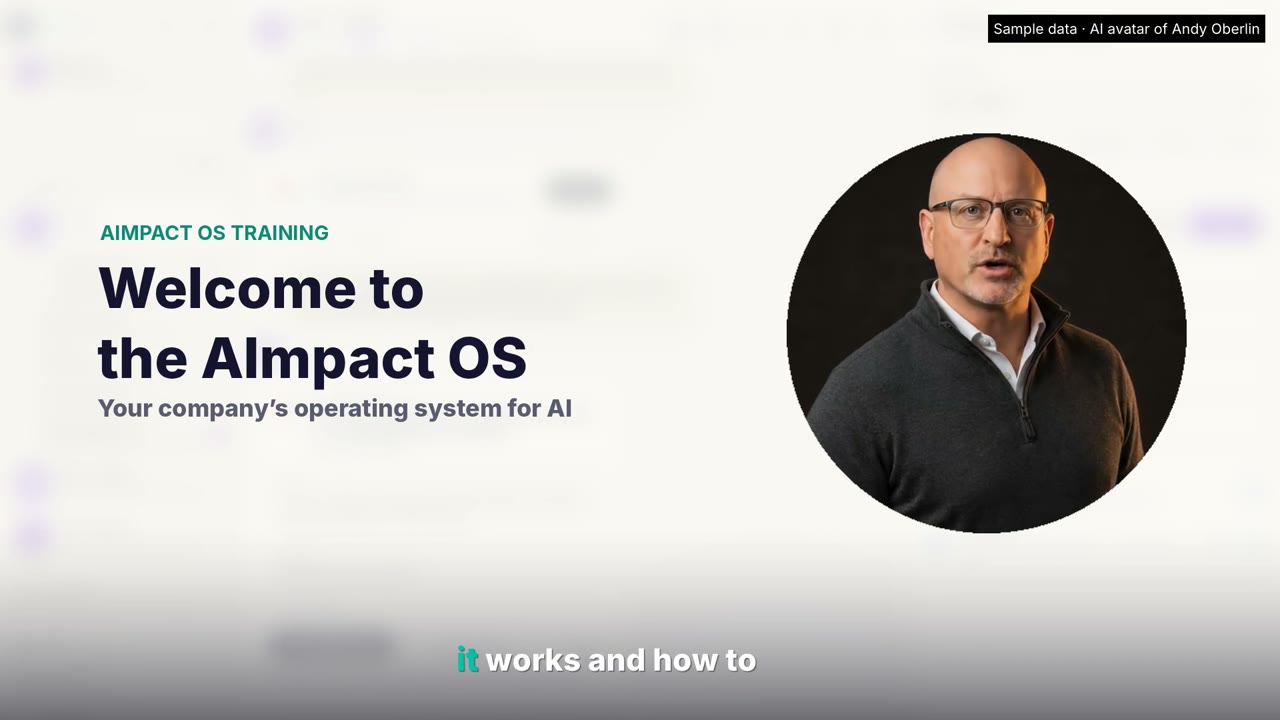
Welcome to the AImpact OS

Start here. A tour of the OS, how to give your AI context about your business, connect the programs you use, file a ticket, and what we can build for you.

Watch on YouTube
Read the transcript

Welcome to the AIMPACT OS. I'm Andy Oberlin. In the next couple of minutes, I'll show you how it works and how to make it yours. Think of it as your company's operating system for AI. One private place where your AI, your knowledge, and your team work together. Everything lives on the left. Your reins, or sidekick, is the AI that works for you. Workstreams keep each project in its own thread. Today is your live dashboard. Notebooks and the brain hold what your company knows. The vault locks up your passwords and keys, and your team is where you hire and manage agents. Start by telling your reins, or sidekick, about your business, what you do, who you serve, and what eats your week. Give it your website, and it reads the whole thing and saves a summary to your company brain. Then, tell it the programs you use every day. It checks whether each one has an API and what that could unlock. Invoices from QuickBooks, deals from HubSpot, jobs from Service Titan. You connect each one once, and anything it would send or change waits for your okay. Next, drop in your handbooks, SOPs, and contracts. Every file becomes knowledge you can ask with the source cited. The more context it has, the better every answer gets. Need help? Just tell your reins, or sidekick, and it files a ticket for you. Or, open support, describe what you need in one line, and file it yourself. Either way, you can track it and talk with our team right there. And if you need something custom, like a client portal, a dashboard built from your spreadsheets, or an app for your team in the field, we build that too on the same OS. Start with context, connect your tools, and let it work. The other training videos go deeper on each feature. Welcome aboard.
Feature by feature

How the vault works

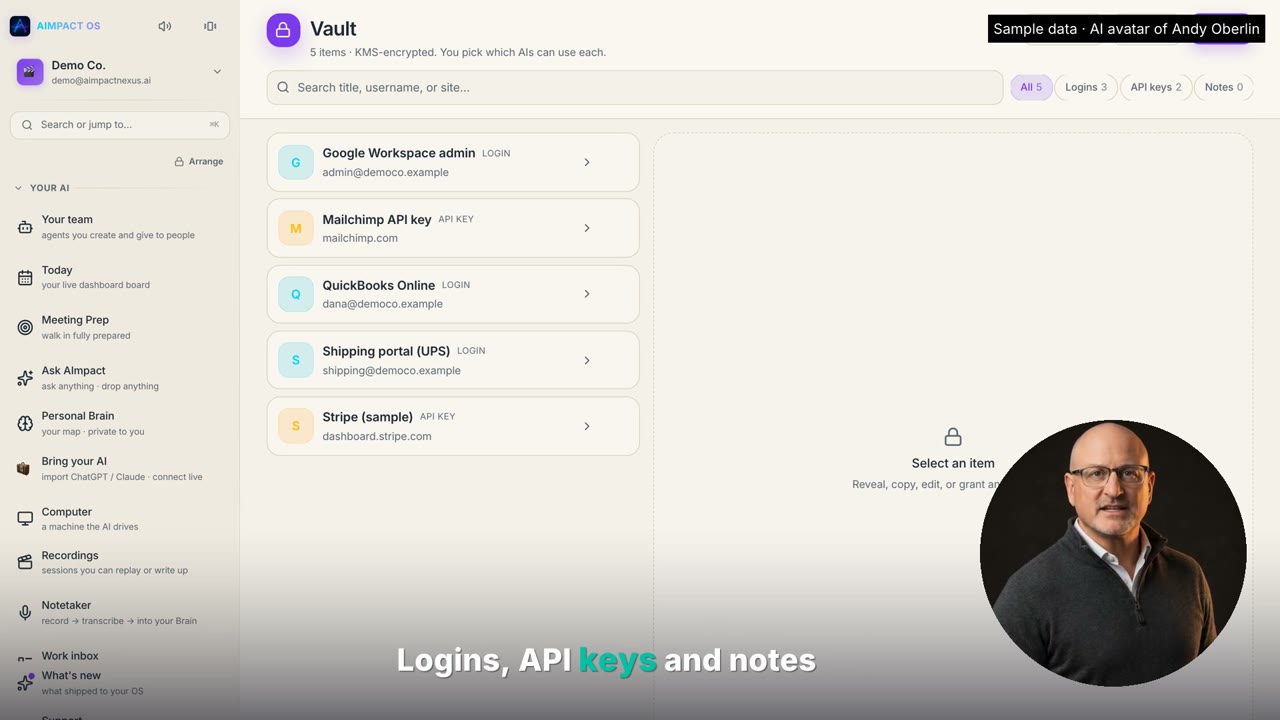
Your passwords and API keys, encrypted and locked up. You choose which of your AIs can use each one, and every use is logged.

Watch on YouTube
Read the transcript

Here's how the vault in your AIMPACT OS works. Think of it as your company's password manager built right into the OS. Logins, API keys, and notes all live here, and everyone is encrypted with Amazon's Key Management Service, so your secrets never sit in plain text. Open an entry, and the password stays hidden until you click to reveal it, and it hides itself again after 30 seconds. Here's the important part. Your AI can't see any of this by default. You choose which agent can use which login, one entry at a time, and every time anyone opens a secret, a person or an AI, it shows up in receipts, who, what, and when. Moving from one password? Export a CSV and paste it in, and when an agent needs a password, it sends you a card. You type it in, and it goes straight into the vault, never into the chat. That's governed intelligence.

How connections work

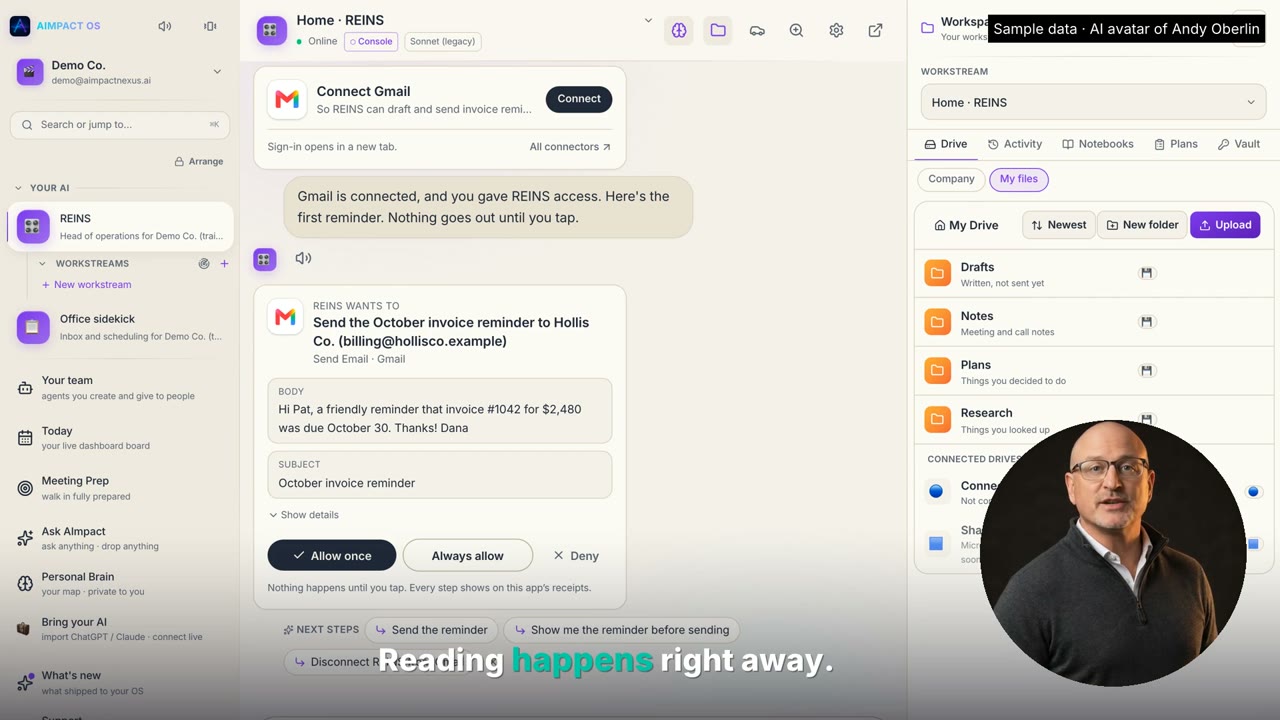
Connect Gmail, QuickBooks, HubSpot and more once. Your AI asks before it sends or changes anything, with Allow once, Always allow or Deny.

Watch on YouTube
Read the transcript

Let's talk about connections. Connections are how your AI gets to work in the apps you already use. Open Connections and sign in with Google once for Drive, Gmail, and Calendar. Then add connectors. There are more than 100 apps ready to connect from Asana and Box to your CRM. Sign in opens in a new tab and it stays private to you. Here's the part that matters. When an agent needs an app, it asks you right in the chat. You connect it and you choose which AIs can use it. Reading happens right away. But before an agent sends, posts, or changes anything, it shows you exactly what it wants to do. Allow it once, always allow it, or deny it. Nothing happens until you tap and every step is on the receipts. Your apps, your rules. That's governed intelligence.

How workstreams work

Keep each project in its own thread beside your main chat, pin the important ones, and pop any of them out into its own window.

Watch on YouTube
Read the transcript

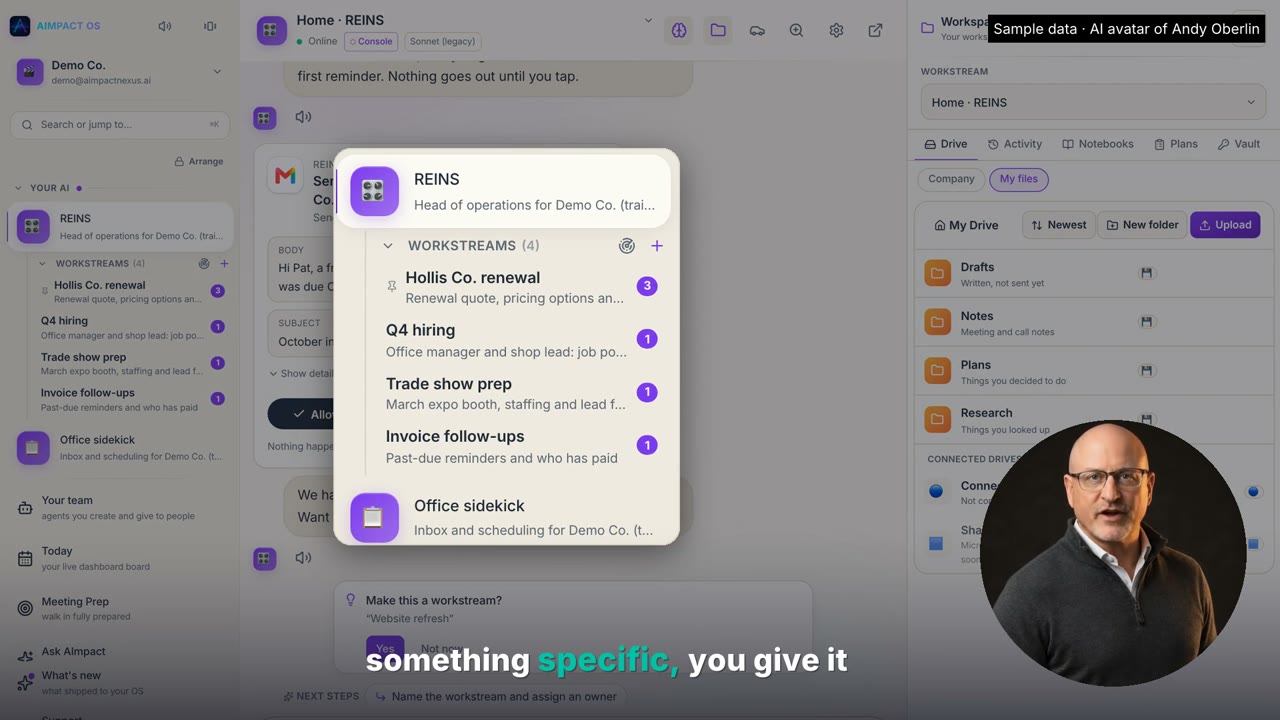
Let's talk about work streams. Your REINS or sidekick chat is home base. It never resets. But when you're working on something specific, you give it a work stream. Click the plus, name it, and you've got a focused room for that one subject. Each work stream sits right under your agent with a one-line summary and a badge when something's waiting on you. Pin the ones you use most, rename them or archive them when you're done. Inside a work stream, your AI reads that conversation first. Then the rest of your company brain. So it stays focused, but never starts from zero. And if you keep talking about the same thing in your main chat, your REINS or sidekick will ask, make this a work stream? Tap yes, and those messages move over for you. And you can pop any work stream out into its own window. Pick a color, line them up side by side on a big screen, and keep an eye on every project at once. One home, many focused rooms, and nothing gets lost.

Your AI team: agents and approvals

Hire AI agents for real jobs, set a trust level for each one, approve anything that matters, and halt any agent in one tap.

Watch on YouTube
Read the transcript

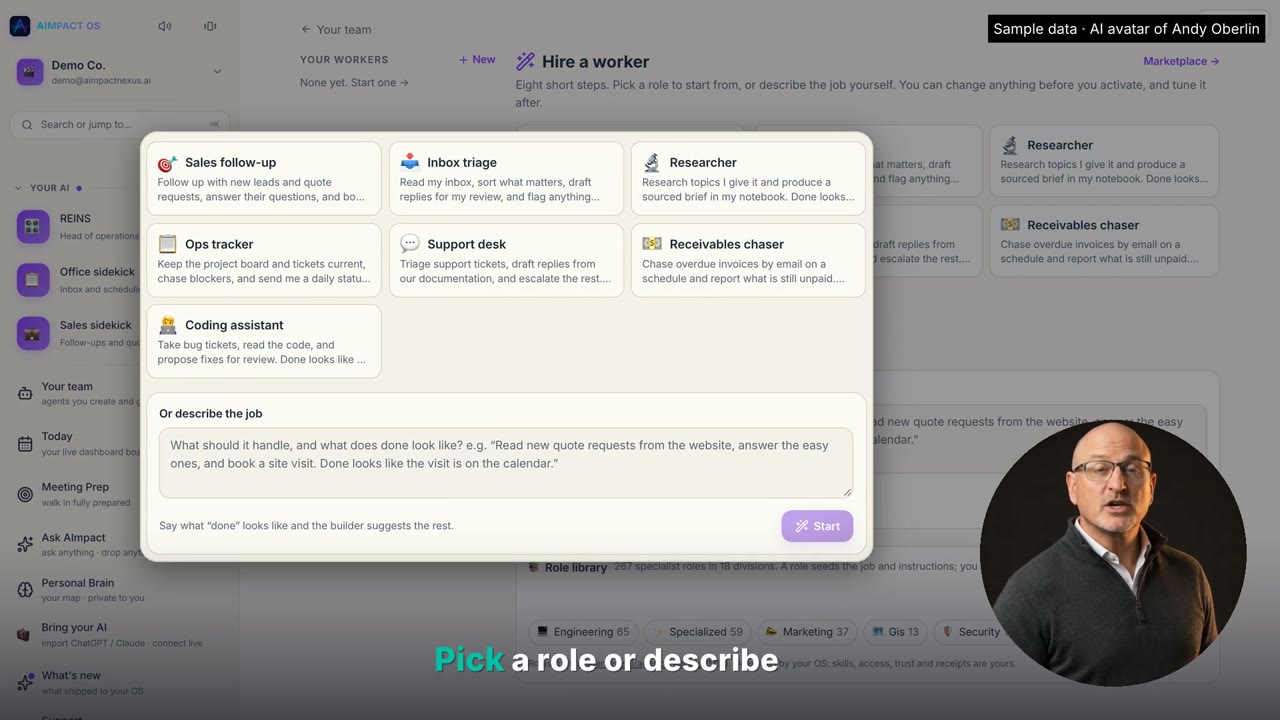
Let's talk about your AI team. In the agent command center, you see every agent you have, who reports to whom, and what each one is doing. REINS runs operations, and your sidekicks report to it. Click any agent, and you see exactly what it can read, which tools it's allowed to use, and anything waiting on a person. Every action goes on a signed audit trail. Need a new one? Hire a worker. Pick a role or describe the job, and the builder walks you through it in eight short steps. Then, you set its trust level. An intern reads on its own, but every change needs your tap. A junior handles routine work, but sending and secrets still wait for you. A senior can do everything you granted it. When an agent wants to do something that matters, you get an approval card. Allow once, always, or deny. And if anything ever looks wrong, hit halt. It stops right away, until you resume it. Your agents, your rules. That's governed intelligence.

Charts, the Library and live dashboards

Ask for your numbers and get live charts in the chat. Save them as dashboards that pull from private systems without ever showing the key.

Watch on YouTube
Read the transcript

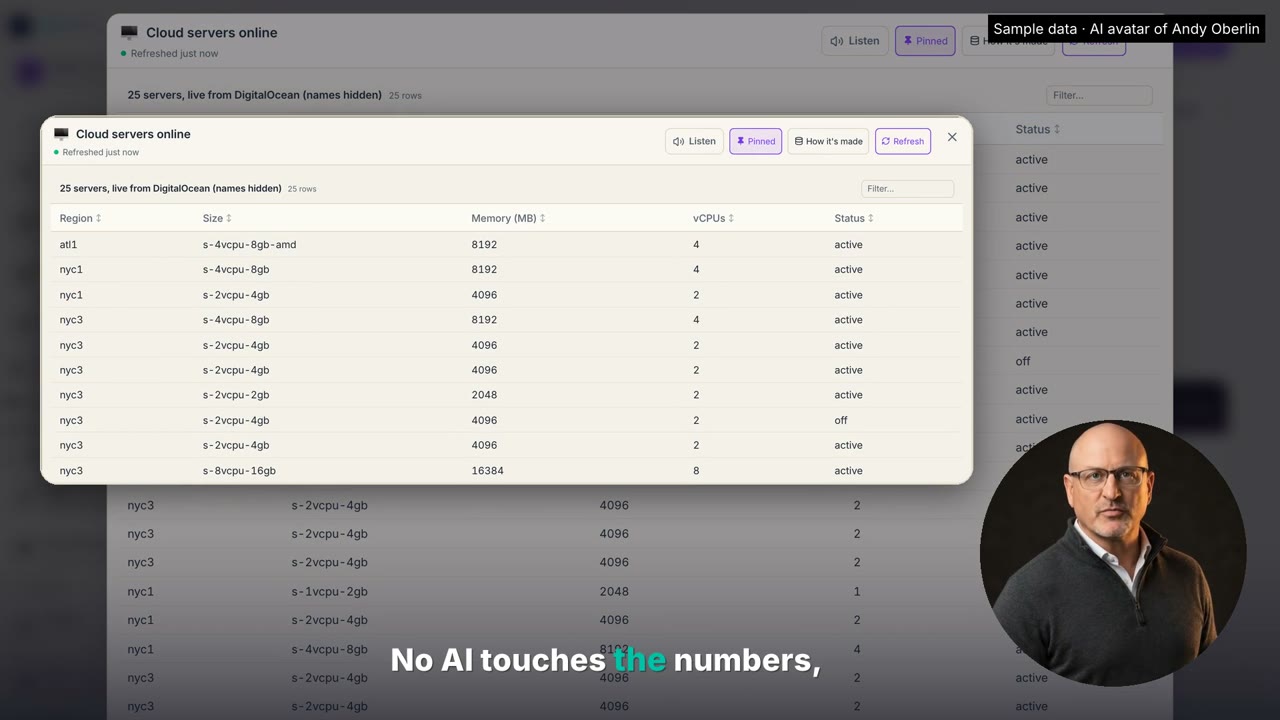
Let's talk charts. Ask your REINS or sidekick about your numbers and the answer comes back as a live card right in the chat. Totals, trends, a bar chart, like it? Hit save to library and it becomes a dashboard you keep. Here's the big one. A dashboard can pull live from a private system like your cloud servers using an API key that stays on the server. Only an owner or admin can connect one. Hit refresh and the server runs the query itself. No AI touches the numbers and the people you share it with never see the key. Want proof? How it's made shows exactly where every number came from. Share it with the whole company or just the people you pick. Pin it to today so it's waiting for you every morning or pop it out into its own window. Your data, your keys, your rules. That's governed intelligence.

Notebooks, podcasts and your Brain Map

Turn your documents into a mini brain that answers by meaning, with sources. Make mind maps, flashcards, quizzes and podcast briefings.

Watch on YouTube
Read the transcript

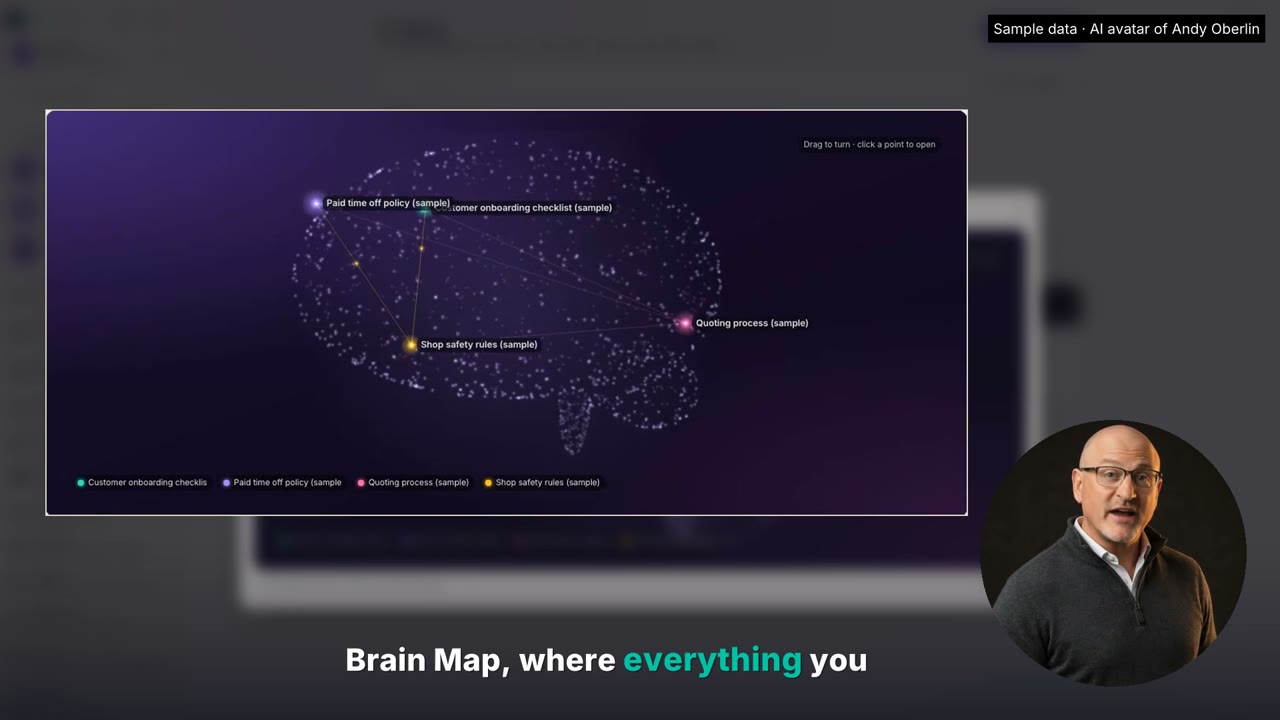
Let's talk notebooks. A notebook is a mini brain for one subject. Drop in your handbook, contracts, meeting notes, anything. Then ask it a question. It doesn't hunt for keywords. It understands meaning. Ask if you can roll over vacation days and it finds the PTO carryover rule, even though the policy never says vacation. Ask who approves 15% off with net 45 terms and it pulls three rules into one answer with the source cited. Hit map and it reads every source and draws your knowledge as a mind map. Studio turns it into training, flashcards, a quiz, a report, or a slide deck. And podcast turns the whole notebook into an audio briefing your team can listen to on the drive in. Every notebook also joins your brain map where everything you know sits together by meaning. You decide who sees it, viewer, editor, or manager, for people and for your reins or sidekick. Your knowledge, working for you. That's governed intelligence.

Meetings and the Notetaker

Bring the AI notetaker you already use (Fathom, Fireflies, Grain and more), or use the one built in. Get recaps and action items, then file each meeting to a notebook or a client.

Watch on YouTube
Read the transcript

Let's talk meetings. Already love an AI notetaker? Keep it. The AImpact OS pulls your meetings in from the one you use, and it has its own notetaker built in for when you need it. Open connections and search for your notetaker. Fathom connects with one sign-in. Others, like Fireflies, Grain, and Avoma, our team switches on for you, or you save the API key in your vault and choose which AI can use it. Wearables like Fieldy sync in on their own, and video meetings in the OS save themselves, or just use ours. Tap the mic, talk, and tap to stop. In a meeting, check Capture Everyone. It transcribes every speaker, writes the recap, and pulls out the action items. Pick the recap style you want, like a sales call, a job site log, or a one-on-one. Then send it where it belongs. Create a ticket, add it to a notebook, or file it to a client, and it lands in that client's notes and their meetings list. Every meeting, searchable in your brain and filed where it belongs. Your notes stay private until you share them.

Your REINS runs your AI team

See every sidekick in your company from your REINS: work done, tools that worked or failed, scheduled jobs and flags. It proposes fixes; you approve, set trust or halt.

Read the transcript

Your REINS doesn't just work for you. It runs your AI team. Here's how you keep an eye on every sidekick in your company. In the agent command center, you see the whole org chart. Your REINS at the top, every sidekick reporting to it, and exactly what each one can read and use. Ask your REINS how the team is doing. It checks every sidekick, how much work it did, which tools worked and which failed, its scheduled jobs, and when it was last active. And it flags trouble on its own, like a sidekick that's gone quiet or a sync that keeps failing. Your REINS doesn't change another agent by itself. It tells you what it found and proposes the fix. You decide with one tap. Open any agent to see its signed audit trail. On your team, set its trust level or hit halt and it stops right away. It sees the work and the results, not the content of people's private chats. Full insight into your whole AI team and you stay in charge. That's governed intelligence.

Ask your REINS for any dashboard

Ask for your numbers in plain English. Your REINS builds the dashboard from QuickBooks, HubSpot and more, calls out what matters, and can rebuild it for you every Monday.

Watch on YouTube
Read the transcript

Need your numbers? Don't build a report. Just ask your reins or sidekick. Type it the way you'd say it. Show me sales this quarter and what customers still owe us. It pulls from the apps you've connected, like QuickBooks and HubSpot, and builds the dashboard right in the chat. Revenue, open invoices, what's past due, and your win rate. Then the trend. Who owes what and which accounts are late. It tells you what matters, too. Hollis is 45 days past due. Want a reminder drafted? One tap. Ask a follow-up, like, break that out by rep for the last 30 days, and it redraws it on the spot. Like it? Save it to your library and pin it to today. Or put it on a schedule. Every Monday at 7, rebuild this and pin it to today. Now it's waiting for you every week, with fresh numbers. Your numbers, whenever you want them, and no reports to build.

Ask your REINS about your team

Ask what your team has been working on and get one dashboard for every person: work chats, meetings, files and their sidekick, with what needs you at the top.

Watch on YouTube
Read the transcript

You don't have to chase down your team for updates, just ask your reins. Ask what your team has been working on this week and it pulls it together for every person, their work chats, meetings, files, and how their sidekick is doing. Then it builds the dashboard right in the chat. It puts what needs you at the top. Priya's sales sidekick is failing its QuickBooks syncs. Jordan has been quiet for nine days. Want more on one person? Ask what Marcus has been working on. You get his busiest projects, the latest from each one, his meetings, the files he added, and how his sidekick is running. Then make it a habit. Send me this every Friday at four and it's waiting for you every week. It's your company and your data. You see what your team is working on and your people only see their own.

The presenter is an AI avatar of Andy Oberlin, our founder. Company names, people and numbers in these videos are sample data.

Want to see it on your business?

Thirty minutes with our team. $599/mo if you bring your own AI, or $699/mo if we provide the AI. Prefer short demos? See the 30-second demos.