Vector Databases
Vector Databases and Semantic Search
8 min listen
Welcome back to the NEXUS AI Literacy Series. Last episode we hit a wall: the context window, the model's desk, is only so big, and a lot of the knowledge we want an AI to use — a whole company's documents, an entire library — is far too big to fit on that desk at once. So we need a way to store a massive amount of information and, when a question comes in, instantly find and grab only the handful of pieces that are actually relevant. The technology that does this is the vector database. It's quietly one of the most important pieces of modern AI infrastructure, and it's built directly on the embeddings idea from Episode 2. By the end of this episode, you'll understand what a vector database is, why it's fundamentally different from a normal database, and what makes it surprisingly hard to build well.
Let me start by reminding you what a normal database is, because the contrast is the whole point. A traditional database is like an immaculately organized filing cabinet. Everything is filed by exact labels. Customer number 4451. Invoice dated March 3rd. Order status: shipped. And it is phenomenal at exact-match questions. "Pull up customer 4451." Bang — instant, perfect. "Show me every invoice from March." Done. For decades this is how essentially all business software worked, and it's brilliant at what it does.
But now ask that filing cabinet a different kind of question. "Find me documents that are about frustrated customers thinking about canceling." The filing cabinet is useless here, because there's no folder labeled "frustrated customers thinking about canceling." A customer might have written "I'm fed up and looking at other options," or "this isn't working for us anymore," or "please cancel my account." None of those contain the words in your search. A traditional database matches words and labels — it has no idea that those three sentences all mean roughly the same thing. It's searching letters, not meaning.
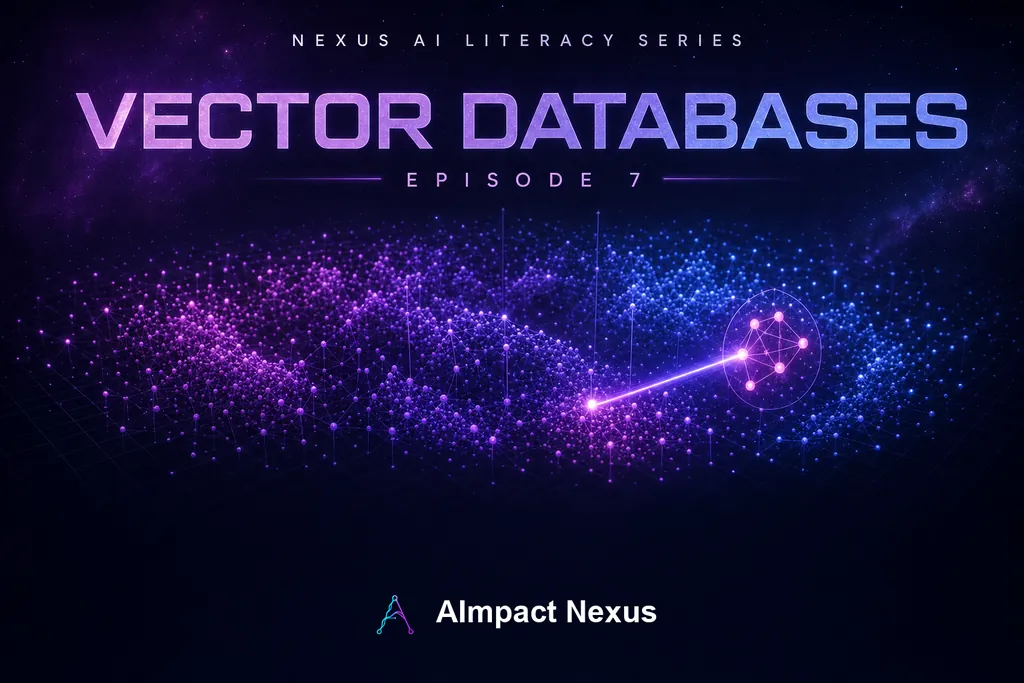
This is the gap a vector database fills. Instead of storing information by exact labels, it stores everything by meaning. And it does that using the embeddings we covered back in Episode 2 — remember, turning any piece of text into a set of coordinates, a point in a vast space where similar meanings sit close together. A vector, in this context, is just that list of coordinates. So a vector database takes every document, every paragraph, every chunk of your knowledge, runs it through an embedding model to get its coordinates, and stores all those points in that high-dimensional space of meaning.
Now watch what happens when a question comes in. You take the question — "frustrated customers thinking about canceling" — and you convert it into coordinates too, the exact same way. Now your question is also a point in the space. And finding relevant documents becomes beautifully simple to describe: just find the points nearest to the question's point. The nearest neighbors in meaning-space are, by definition, the documents that mean the most similar thing to what you asked — even if they don't share a single word with your query. "I'm fed up and looking at other options" lands right next to your question, because it means the same thing. That's called semantic search — searching by meaning instead of by keyword. And it's the difference between a search that understands you and one that just matches text.
Let me give you the clean analogy. A normal database is a library organized alphabetically by title. Great if you know the exact title. Useless if you walk in and say "I want something that feels like this book." A vector database is like a librarian who has read every book and arranged the whole library by what the books are actually about — so you can hand them one book and say "give me more like this," and they walk you straight to the right shelf. One organizes by label. The other organizes by meaning.
Now let me connect this back to the context window, because here's how the whole thing clicks together into the pattern you see everywhere in AI today. Your knowledge base is way too big for the model's desk. So you store it all in a vector database. When a user asks a question, you don't dump the whole library onto the desk. Instead, you do a semantic search, grab just the three or five most relevant chunks, and place only those on the desk alongside the question. Now the model has exactly the right reference material in its context window, and nothing it doesn't need. That pattern — search the vector database, put the best hits in the context window — is the engine behind the next episode's topic, RAG. The vector database is how the AI decides which papers to pull onto the desk.
So that's the beautiful part. Now let me be honest about the hard part, because this is where you'll sound like you really know the field. Finding the nearest neighbor in this space is deceptively difficult, for two reasons.
First, the space is enormous — not two or three dimensions like a physical map, but hundreds or thousands of dimensions. Our normal intuitions about distance and geometry break down badly in that many dimensions; it's strange territory mathematically.
Second, and more practically: if you have ten million documents and a question comes in, the perfectly accurate way to find the closest match is to measure the distance from your question to all ten million points and pick the smallest. That's called exact nearest-neighbor search, and it's far too slow to do on every query in real time. So vector databases almost never do it the exact way. Instead they use clever shortcuts — the technical term is "approximate nearest neighbor" search. They pre-organize the points into smart structures so they can zoom to the right neighborhood and check only a few thousand candidates instead of all ten million. It's dramatically faster, and the trade-off is right there in the name: approximate. Occasionally it returns "very close" instead of "the absolute closest." For almost every real use, that's a perfectly fine trade — a tiny bit of accuracy for an enormous gain in speed. But understanding that trade-off is exactly the kind of thing that separates someone who's read a headline from someone who actually gets it. When a vector search returns a slightly-off result, it's usually not a bug — it's that speed-versus-precision trade working as designed.
A couple of other real challenges worth knowing, briefly. The quality of the whole system depends entirely on the quality of the embeddings — if your embedding model has a weak grasp of meaning, your search will too; garbage map, garbage neighbors. And keeping the database fresh as documents are added, changed, or deleted, at scale, is its own engineering challenge. These are the things teams actually wrestle with when they build this stuff.
So let's bring it home. A normal database is a filing cabinet organized by exact labels — perfect for exact-match questions, useless for "find me things that mean something similar." A vector database stores information by meaning, by turning everything into embedding coordinates and finding nearest neighbors in that space of meaning — that's semantic search, and it understands what you meant even when you share no words with the answer. It's the piece that lets an AI search a massive library and pull just the right pages onto its limited desk. And the core challenge — finding nearest neighbors fast in a huge, high-dimensional space — is solved with clever approximate shortcuts that trade a sliver of precision for enormous speed.
So next time someone mentions a vector database, here's your line: it's a database that searches by meaning instead of keywords, and it's the memory layer that lets AI find the right information inside a knowledge base far too big to hold all at once.
In the next episode, we put context windows and vector databases together into the single most important pattern in practical AI today — RAG, retrieval augmented generation. It's how you get an AI to answer accurately about your private documents, your company, your data — things it was never trained on. See you there.
Want AI like this working inside your business?
Talk to AImpact Nexus